How to design an MVP app: the 4-week process
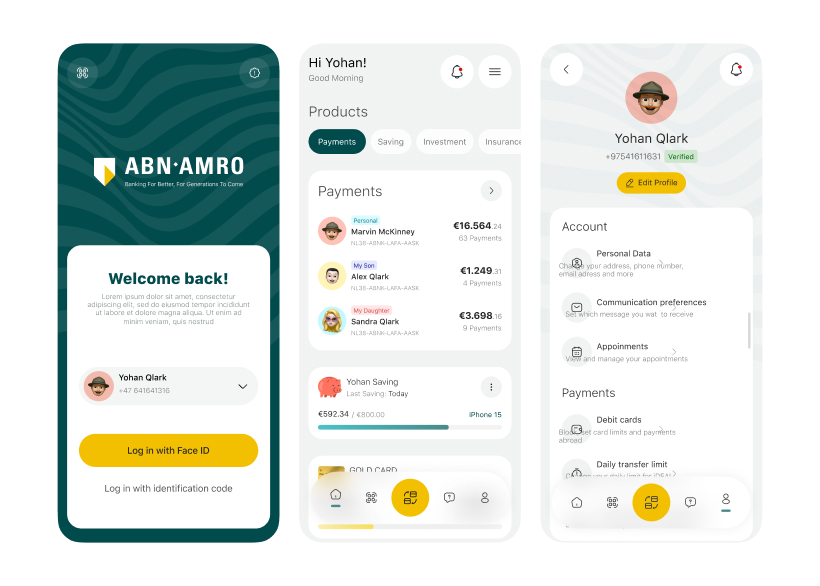
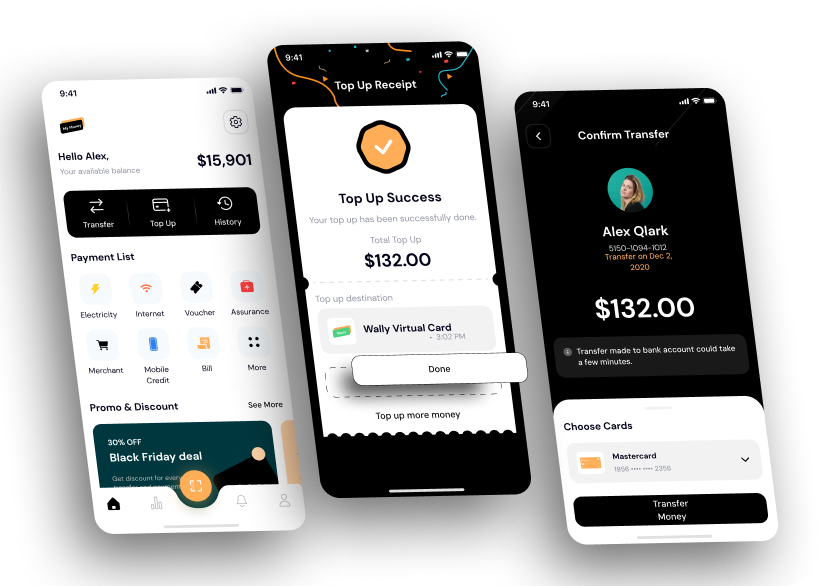

An MVP is the smallest product that proves people want it. Its design should answer one question fast: will users finish the core task?
The first four weeks
- Intro callDay 1
- FlowsDay 2–7
- ScreensDay 8–28
- HandoffDay 8+
Every mark on the Screens row is an update: new screens every 48 hours. Handoff starts as soon as the first flow is approved, so developers never wait for the whole app.
Step by step
- Core taskName the one job users must finish. Everything else waits.
- FlowsMap each step on paper before a single screen.
- ScreensDesign the core flow first, then sign-up, then settings.
- PrototypeClick through it with five real users before building.
- Design systemReusable parts, so new screens take hours, not days.
- HandoffSpecs, states and assets your developers can build from.
Bring to the first call
- Who it is for: one sentence about your first users.
- The core task: what they must do in the app.
- What exists: sketches, a pitch deck, competitor apps you like.
FAQ
How long does it take to design an MVP app?
The core flows and screens take about four weeks. Most MVP apps take one to three months of design in total.
What should an MVP app include?
Only the core task, sign-up and the minimum settings. Everything else waits until users prove they want the product.
Should I build a prototype before coding?
Yes. A clickable prototype tested with a handful of users catches problems that are expensive to fix in code.